
 tiller
Your team and your agents, shipping software you'd put your name on.
Tiller helps a team of people and coding agents deliver high-quality software fast, with the confidence to ship it.
brew install --cask madeintandem/tap/tillerOpen source, Apache 2.0. One binary for macOS and Linux. Other ways to install
Speed
Move at agent speed, together.
An agent can finish a task in minutes. What slows a team down is everything around the code: what's next, who has it, and whether it's really done. Tiller keeps all of that straight, so the agents keep moving and nobody spends the morning chasing status.
How Tiller does it
- Plan just far enough ahead
The work grows from epics to features to tasks. Each feature gets its spec when its turn comes, so nobody plans what will change anyway.
- Always a next move
tiller nextranks every legal move for your checkout, the decisions waiting on you included. - Work in parallel without collisions
Claim a task and it's yours. Each one runs on its own branch, so people and agents can work side by side.
# your ranked next moves, top five
$ tiller next

# the same list, then the skill for the top agent move
$ tiller guide

# take the next task and go
$ tiller claim task event-night/door-check-in/attendee-search
$ tiller start task event-night/door-check-in/attendee-search
Quality
Done means done, every time.
Speed only helps if the work holds up. With Tiller, every piece of work knows what done means before anyone starts it, and it can't get there without passing the checks you chose.
How Tiller does it
- Acceptance criteria up front
A feature's spec, its acceptance criteria, and its tasks are written and approved before the first line of code.
- Checks that block done
Build, tests, and evals run on every task, and the result is recorded with the revision it ran against.
- Review at the grain that fits
A pull request per task, per feature, or per epic. There's a code review skill when you want a second set of eyes.
- Drift gets caught
Once a spec is approved, it's pinned. If it moves after that, Tiller flags it before work goes on.
gates:
  required:
    evals: tiller eval …              on: [feature]
    build: bin/rails zeitwerk:check   on: [feature, task]
    tests: bin/rails test             on: [feature, task]
  optional:
    code_review: attestation
security_review: attestationConfidence
Know where things stand, and know it's right.
You shouldn't need a status meeting to know how the project is going, or a leap of faith to merge. Tiller gives everyone the same picture and keeps a person's hand on every merge.
How Tiller does it
- A person merges, every time
An agent can carry the work right up to the line and turn every check green. Only a human merge gets it to done, and Tiller sees it by watching git.
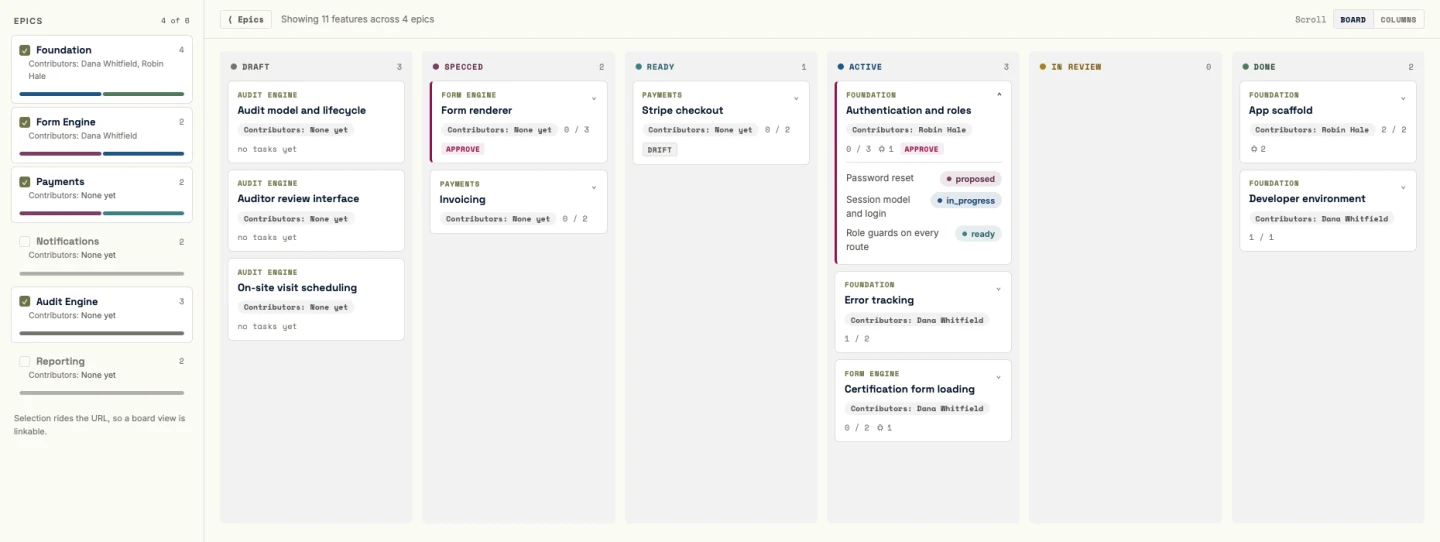
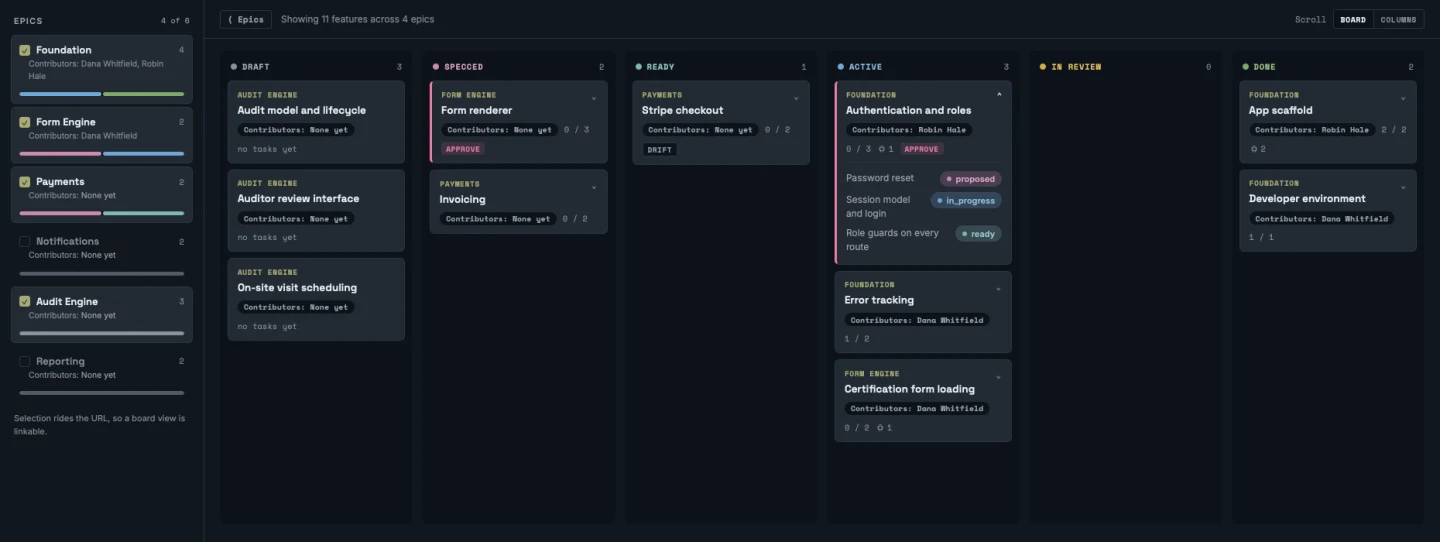
- A board everyone can read
Every feature from draft to done, who's on it, and how many of its tasks are finished. Home leads with the decisions waiting on you.
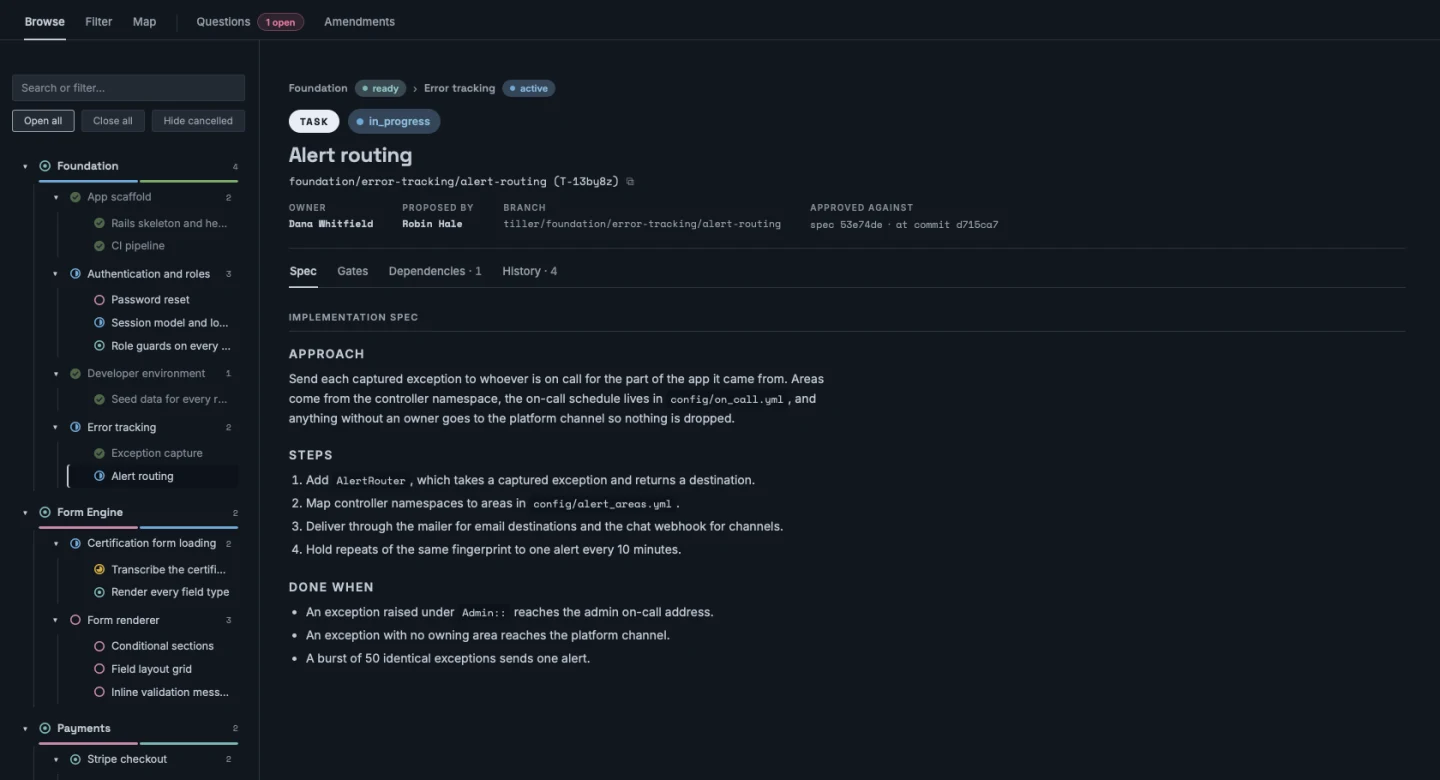
- Every detail one click deep
Explore walks the plan from epic to task, and every task carries its spec, its checks, and its history.
- A report you can hand a client
Burn-up, throughput, bugs, lead and cycle time, and epic progress, with no people on it.
tiller serve.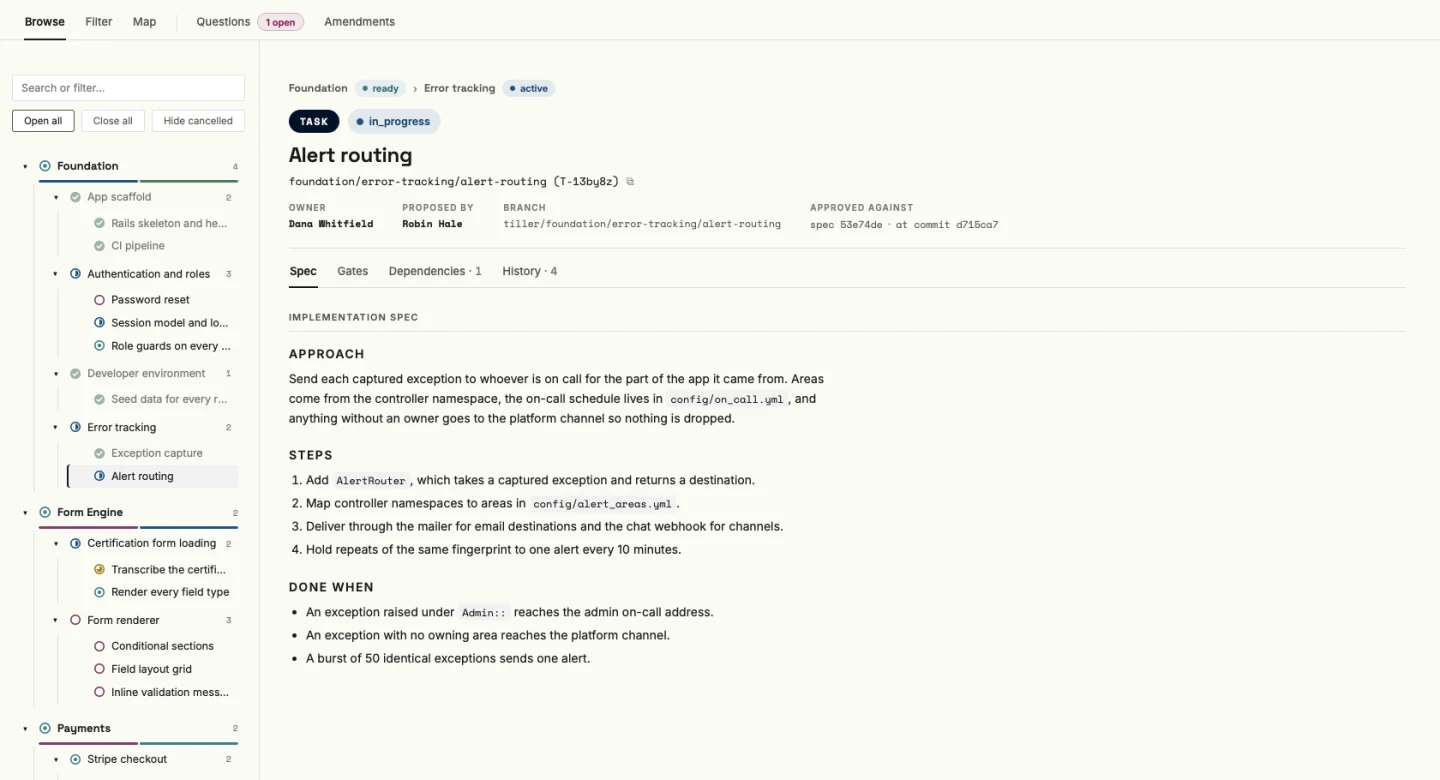
One crew
One plan for the whole crew.
Agent work tends to live in one person's chat window. Tiller moves the plan, the decisions, and the state into the repo, where every person and every agent on the project reads the same thing.
How Tiller does it
- Plain files in git
Markdown for what you want, YAML for where it stands. No database and no hosted service, so cloning the repo clones the plan.
- Bring any agent
Tiller serves its skills to any harness through
tiller guide, so everyone sees the same instructions. - Questions that hold the work
When something needs an answer, it's written down and the work it blocks waits for it, instead of getting lost in a thread.
- Claude Code
- Codex
- Pi
- a plain shell
.tiller/epics/event-night/
  epic.md                  yours: intent
  epic.yml                 Tiller's: state
  features/door-check-in/
    feature.md             the spec
    feature.eval.md        acceptance criteria
    feature.yml            status, gates
    tasks/attendee-search/
      task.md
task.ymlThe passage
How it fits together
Your agent does the thinking and the typing. You make the calls at each step. Tiller holds the plan, the checks, and the state in between.
A sample project, condensed. The commands and their output are Tiller's own; the notes between them summarize what the agent and the person are doing.
Index of sheets
Everything Tiller can do
One binary with 44 commands, a local console, and eleven agent skills. Here's the lay of the land, and where to read more.
- Plan the workAn agent proposes epics and features from your design docs, and you approve the shape.
- Specify just in timeSpec, acceptance criteria, and tasks for one feature, when its turn comes.
- Gates and evidenceRequired checks that block done, plus optional review attestations.
- Review grainReview by task, feature, or epic, set per project, epic, or feature.
- Claims and contributorsWho's on what, how work changes hands, and what happens when it has to.
- Bugs, chores, and tweaksUnplanned work gets captured, triaged by a person, and run like any other task.
- Drift and amendmentsChange the plan on purpose, with a reviewed amendment, and catch it when it changes by accident.
- Existing codebasesStart from code you already have. The agent writes down what it does today, and you confirm it.
- HomeThe desk: what needs you, what's moving, what just happened.
- Build and Fix boardsPlanned work and shelf work, column by column, read-only.
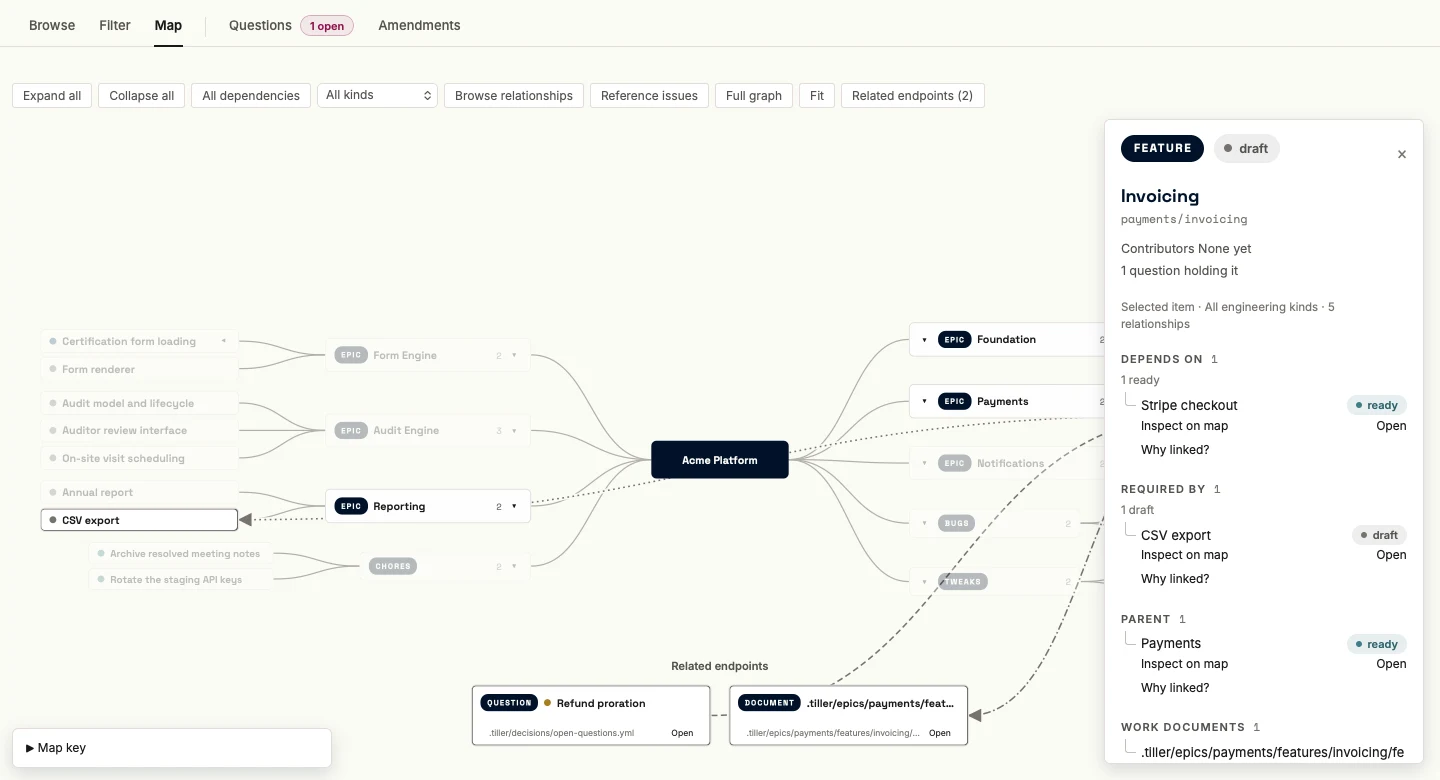
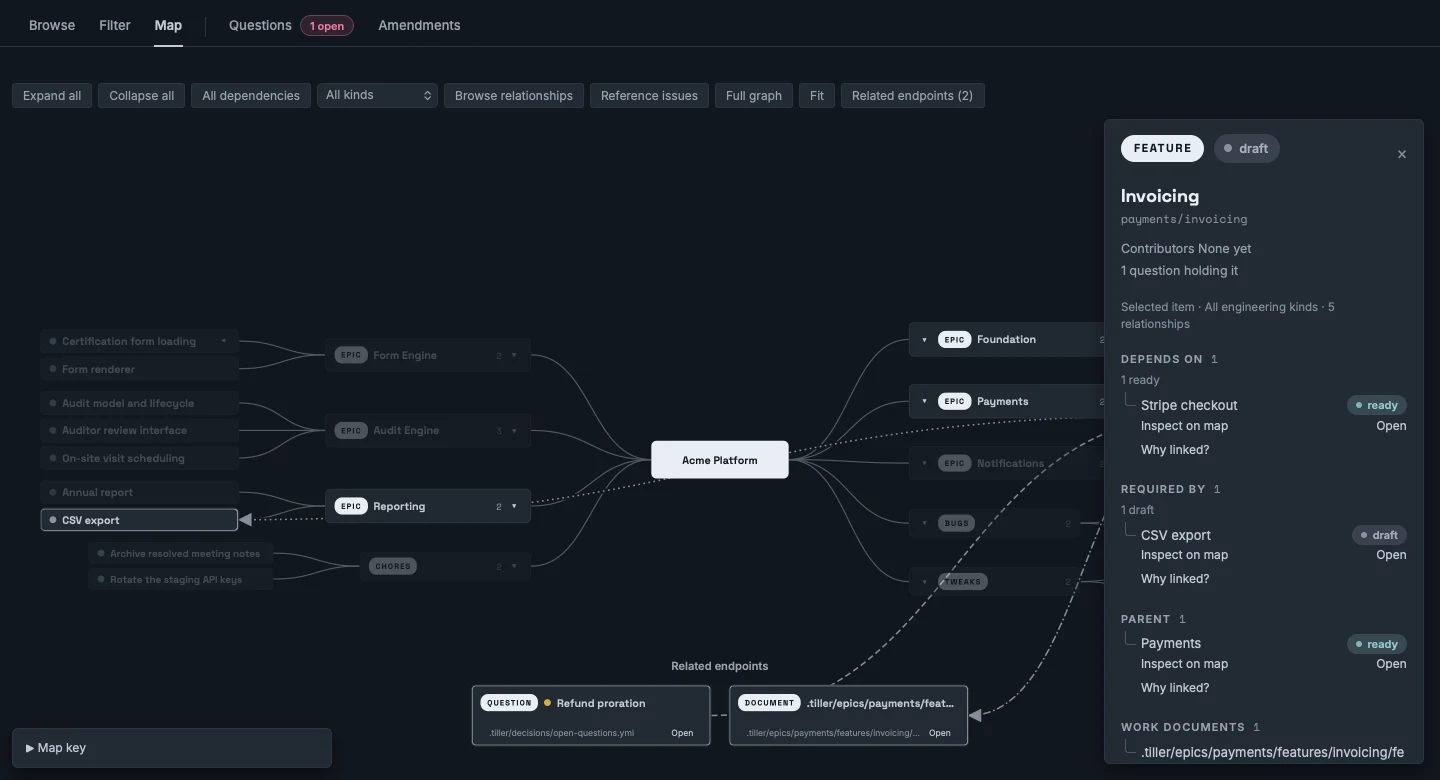
- Explore and the mapThe whole project as a tree or a mind map, with every dependency one click away.
- ReportThe page to show a client, with an optional tab for agent token use.
- HistoryWhat changed since you last looked.
- Agent skillsEleven skills, from orienting to code review, served by the binary to any agent.
- CLI referenceAll 44 commands.
- Design specsThe full contracts, for when you want every rule and refusal.
Where it fits
Tiller is for building products. Finding them is a different job.
Reach for it when
- You can write down what you want before an agent builds it
- More than one person is on the work
- Someone outside the team needs to see where things stand
Skip it for
- Spikes, prototypes, and research code
- A solo tool still finding its shape (Tiller itself, for one)
- Work where the plan changes faster than you can write it down
You: Install
Pick one feature this week.
Not your whole project. One feature, one spec, one merge.
macOS, with Homebrew
brew install --cask madeintandem/tap/tillermacOS or Linux
curl -fsSL https://raw.githubusercontent.com/madeintandem/tiller/main/install.sh | shtiller init --kind brownfieldAn existing codebase. The agent writes down what's there, you confirm it, and every change proves the old behavior still works.
tiller init --kind greenfieldA new project. You write the design docs, and the agent proposes the epics and features.
tiller init --kind legacy-migrationReplacing an old system, which stays read-only as the yardstick.
You: Merge
A tiller steers the boat, but somebody's hand has to be on it.